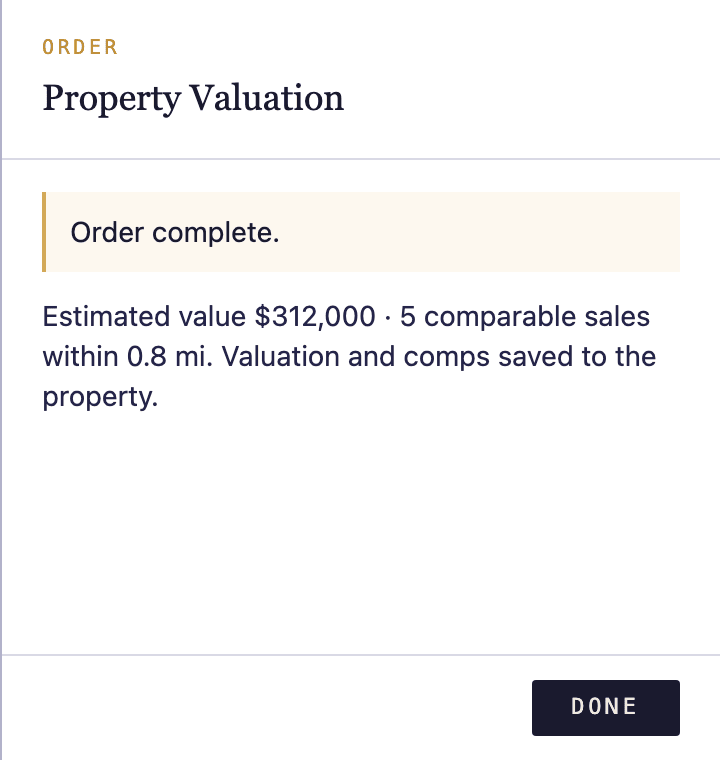
Pull a current property info or valuation report for any property in your book with a single click. Reports are ordered on demand and charged to the card on file.
Open a property
Navigate to any property in your book. The Data services rail appears on the right side of the property detail page.
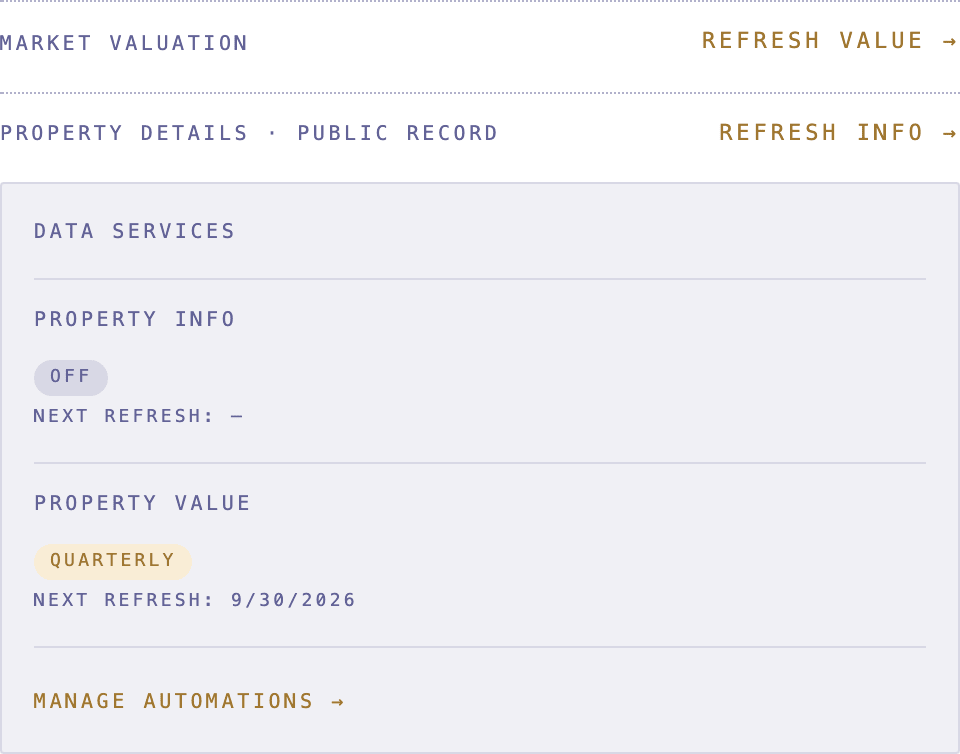
Choose Property Info or Property Value
In the Data services rail, click Order next to Property Info (tax record, ownership, characteristics) or Property Value (automated valuation). An order drawer opens showing the product details and the charge that will appear on your card.
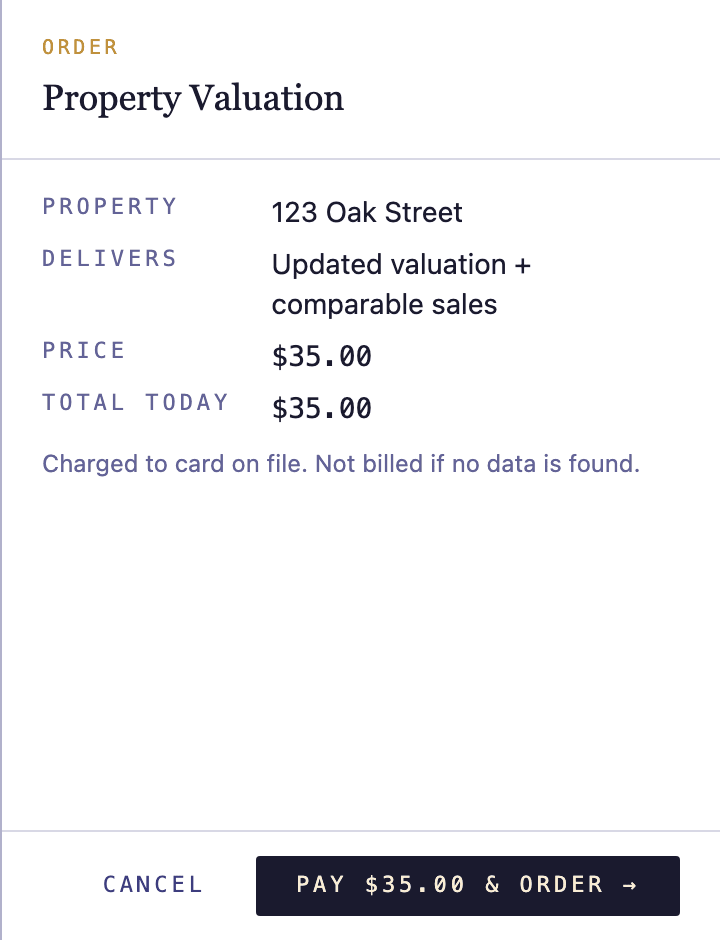
Confirm the order
Review the charge, then click Confirm order. NoteLedger submits the request and updates the Data services rail as soon as results arrive — typically within a few seconds.
Review the result
Once the report lands, the Data services rail shows the retrieved data inline. If the property address returned no data, you'll see a No data available notice. If no payment method is on file, a Add card prompt appears instead of the result.