Property workflows track the stages a property moves through — useful when a note becomes REO or when you're managing a property to disposition. This guide covers what's specific to properties; for the editing mechanics, see workflow builder basics.
Open the Property workflow
In the top-right account menu, open Workflows, then select the Property tab.
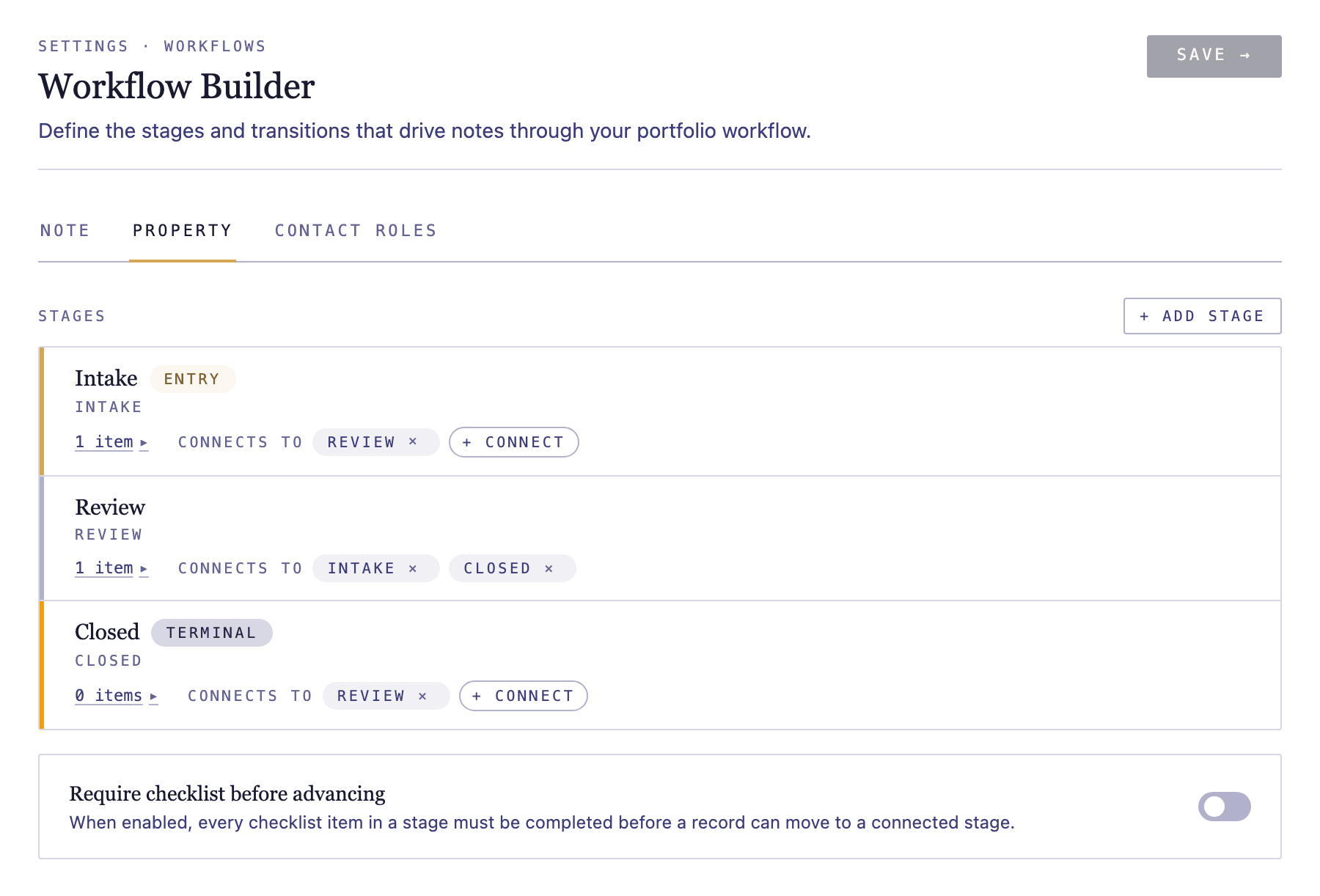
Model your disposition process
Lay out the stages a property moves through — for example secured, rehab, listed, under contract, and sold. Mark the entry stage where a property enters management and the terminal stage when it's disposed. See workflow builder basics for adding and connecting stages.
Track the work at each stage
Add checklist items for the tasks each stage requires — inspections, vendor bids, listing paperwork — and set due-date offsets for anything time-bound.